I've spent years dialing in bike fits for riders of all disciplines, and here's the truth: a proper saddle position is non-negotiable for health, comfort, and performance. For women cyclists, whose anatomy creates unique pressure points and fit challenges, getting this right is especially critical. The good news? Modern bike fit apps put powerful, data-driven tools right on your smartphone. Used correctly, they can help you build a foundation of safety and comfort that prevents numbness, pain, and long-term issues.
Start with the Fundamentals: Understanding Your Anatomy and Goals
Before you open an app, know what you're trying to achieve. The primary health goals for any cyclist, especially women, are to:
- Support weight on the sit bones (ischial tuberosities), not the soft tissue of the perineum.
- Maintain healthy blood flow and nerve function by eliminating excessive pressure on sensitive areas.
- Minimize shear forces and friction that lead to chafing and saddle sores.
For women, common pain points include pressure on the pubic rami, labial swelling, and vulvar pain. A saddle that's too high, too low, or tilted incorrectly can make all of these worse. Your riding discipline also dictates your optimal position. A gravel rider in a more upright posture will have different needs than a road racer in an aggressive tuck.
Choosing and Using a Bike Fit App: A Strategic Process
Don't just let an app spit out numbers. Use it as a guided measurement tool and a reference for iterative testing.
1. The Setup: Accuracy is Everything
- Use a Trainer or Static Stand: Your bike must be perfectly level. Use a spirit level app on your phone to check that the floor is flat and the bike is upright.
- Calibrate the App: Most apps have a calibration step. Follow it meticulously. Input your exact inseam measurement (barefoot, book pressed firmly into your crotch to mimic sit bone pressure) and other biometric data accurately.
- Wear Your Kit: Do the fit session in the cycling shorts and shoes you normally ride in. Padding and sole thickness matter.
2. Dialing in Saddle Height: The Cornerstone
This is the most impactful measurement. Apps typically use formulas based on your inseam to suggest a saddle height (from the center of the bottom bracket to the top of the saddle, following the seat tube angle).
The App's Role: It gives you a precise, repeatable starting point — for example, a specific height in millimeters.
The Human Test: That number is just the beginning. The app can't feel your body. After setting the suggested height, do a test ride. Pay attention to:
- Pelvic Rock: Are you rocking your hips side-to-side to reach the bottom of the pedal stroke? That's a sign the saddle is too high and can cause hip and saddle discomfort. Lower it in 2-3mm increments.
- Knee Strain or Excessive Bend: Too low a saddle can cause anterior knee pain. Use the app to track small adjustments upward.
- The "Heel Method" Check: A classic field check the app can help standardize. With your heel on the pedal at the 6 o'clock position, your leg should be perfectly straight without rocking your pelvis. When you clip in, this creates the ideal 25-35 degree knee bend.
3. Dialing in Saddle Fore/Aft (Setback)
This position dictates your knee alignment over the pedal axle and affects how much weight is borne by your hands versus your sit bones.
The App's Role: Many apps use a plumb line method (via your phone's camera) to check the alignment of your forward knee with the pedal spindle when the crank is at 3 o'clock.
The Health Connection: A saddle too far forward can increase perineal pressure as you slide onto the narrower nose. A saddle too far back can over-stretch your hamstrings and glutes, leading to lower back strain and inefficient pedaling. For women seeking to relieve soft tissue pressure, ensuring you're sitting on the widest, most supportive part of the saddle is key. The fore/aft adjustment is critical for this.
4. Dialing in Saddle Tilt
This is arguably the most sensitive adjustment for health and comfort, and where apps are most useful for providing an objective angle reading.
The Gold Standard: Start with the saddle completely level. Use the app's angle measurement tool on your phone, placed on the saddle, to verify this. Don't rely on "eyeballing it."
Micro-Adjustments for Relief: Even a single degree of tilt can make a massive difference.
- Nose-Down Tilt: Often increases pressure on the hands, wrists, and shoulders, and can cause you to constantly slide forward, fighting against the saddle with your arms. This sliding can also increase chafing.
- Nose-Up Tilt: This is a common culprit for perineal and vulvar pressure and numbness, as it directs force into the soft tissue. For most women, a neutral to very slight (0.5-degree) nose-down tilt is optimal to relieve soft tissue pressure, but this must be balanced with overall bike fit.
Use the App to Track: Note the exact angle that feels best. This gives you a baseline to return to if anything changes.
The Crucial Element No App Can Replace: The Right Saddle
All the perfect positioning in the world won't help if you're on the wrong saddle. An app optimizes the position of the tool you have; your job is to ensure it's the right tool.
- Width is Paramount: Your sit bone width is the foundational measurement. Many bike shops have simple tools to measure this. Your saddle must be at least as wide as your sit bones to provide proper support.
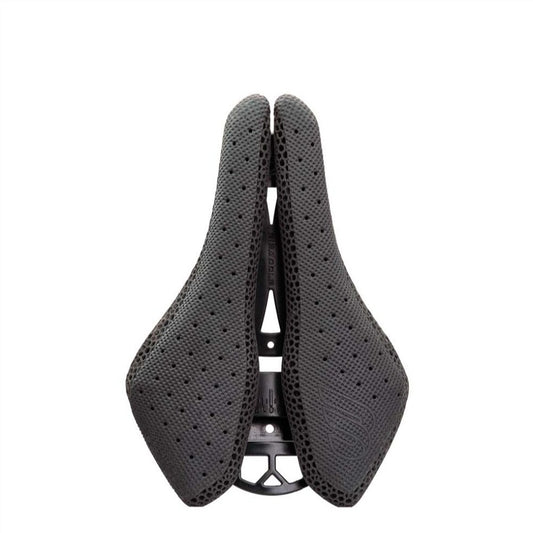
- Pressure Relief is Non-Negotiable: Look for a saddle with a generous central cut-out or channel designed to relieve soft tissue pressure. This is a critical health feature.
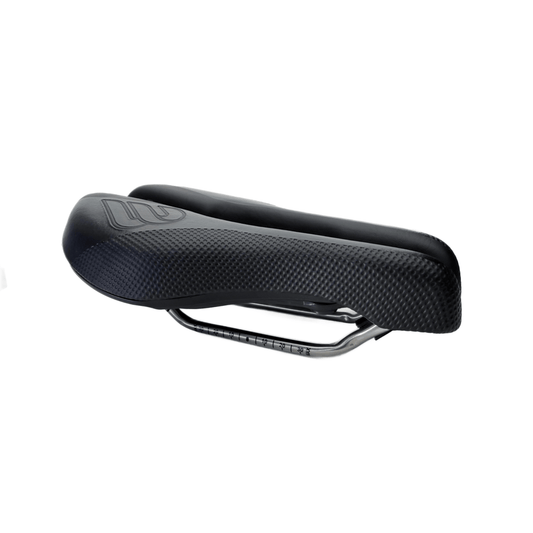
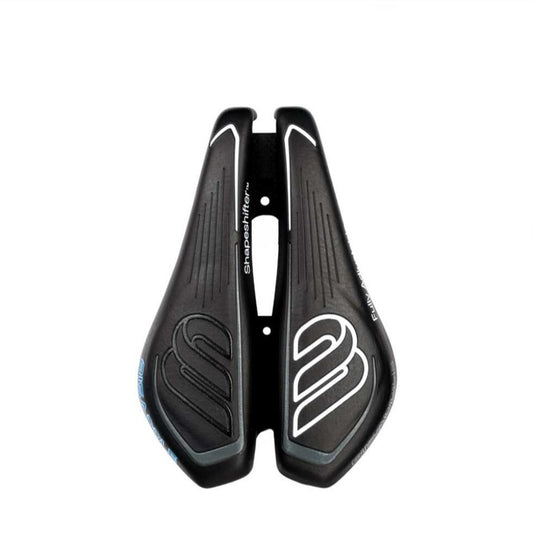
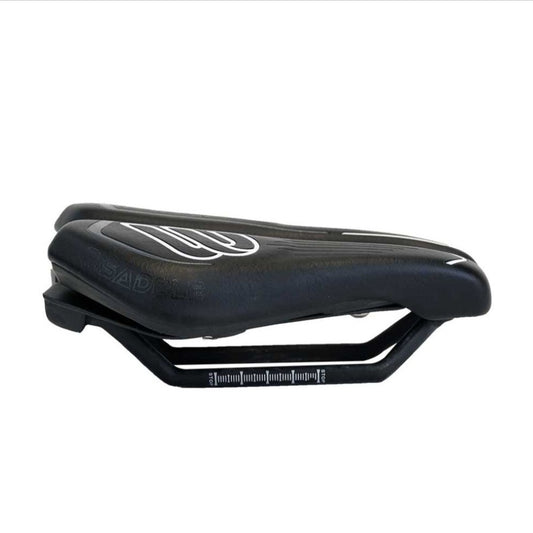
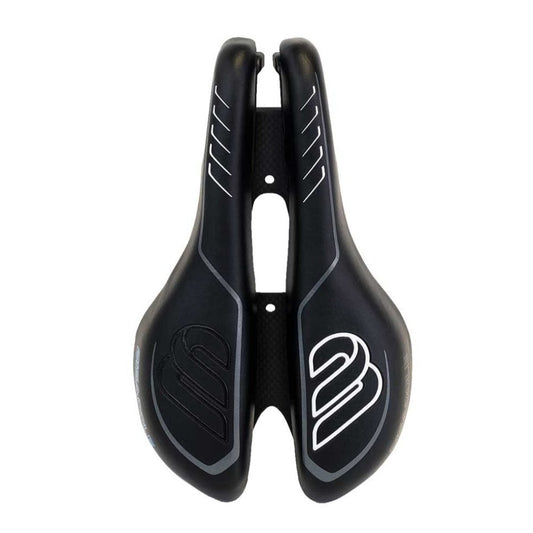
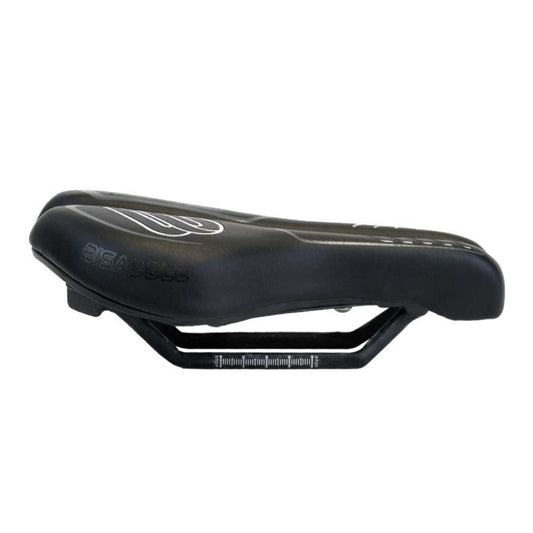
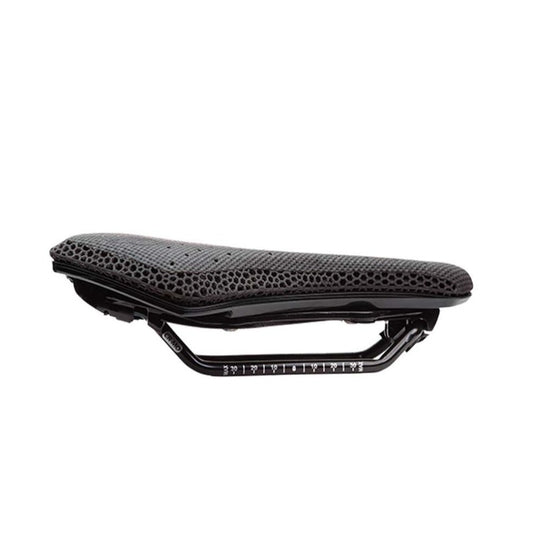
- Consider Adjustability: The ultimate solution for many riders is a saddle that can be tailored to their unique anatomy. An adjustable saddle, like those from Bisaddle, allows you to fine-tune the width and profile to perfectly match your sit bone spacing and riding style. This turns the saddle from a fixed variable into an adjustable component of your fit, working in concert with the positions your app helps you set.
Final Protocol: Integrate, Iterate, and Listen to Your Body
- Use the app to establish a precise baseline. Record all your numbers: height, setback, tilt.
- Go for multiple short test rides. Focus on how your body feels, not just the power numbers. Pay specific attention to any numbness, hot spots, or pressure in the first 30 minutes.
- Make micro-adjustments based on feel, then use the app to measure what that change was. Did a 1mm saddle drop solve your hip rock? The app now tells you exactly what that new height is.
- Re-evaluate after longer rides. Discomfort that appears at hour two is vital data. Consider if it's a positional issue the app can help tweak or a saddle shape issue.
- Remember the holistic fit. Saddle position affects and is affected by handlebar reach and drop. Many advanced fit apps also consider this relationship.
Bike fit apps are incredible tools for precision and consistency, turning subjective feel into objective data. But they're assistants, not oracles. Your body's feedback — especially the absence of numbness and pain — is the ultimate metric of success. Use the technology to find a safe, supportive starting point, then refine it until you achieve that holy grail: a position where you forget the saddle entirely and just enjoy the ride.